iPad Pencil
Palm Rejection Pencil Set
4.2 · 838 shopper reviews
Rest your hand, tilt for shading, and one press wakes it up. A disc stylus for your phone rides along.
$15.99Explore details

Write in the margins. Styluses that feel like a pen and work like a fingertip.

Palm rejection · tilt shading
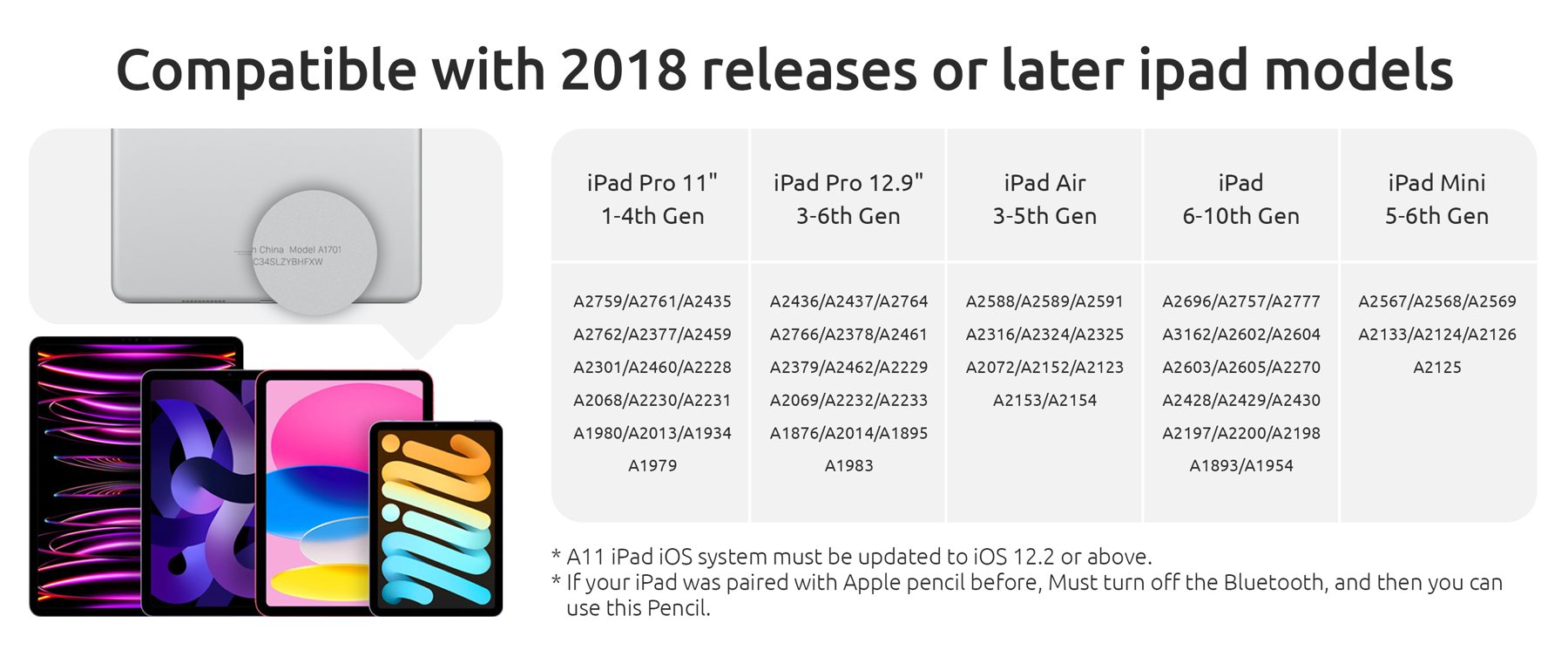
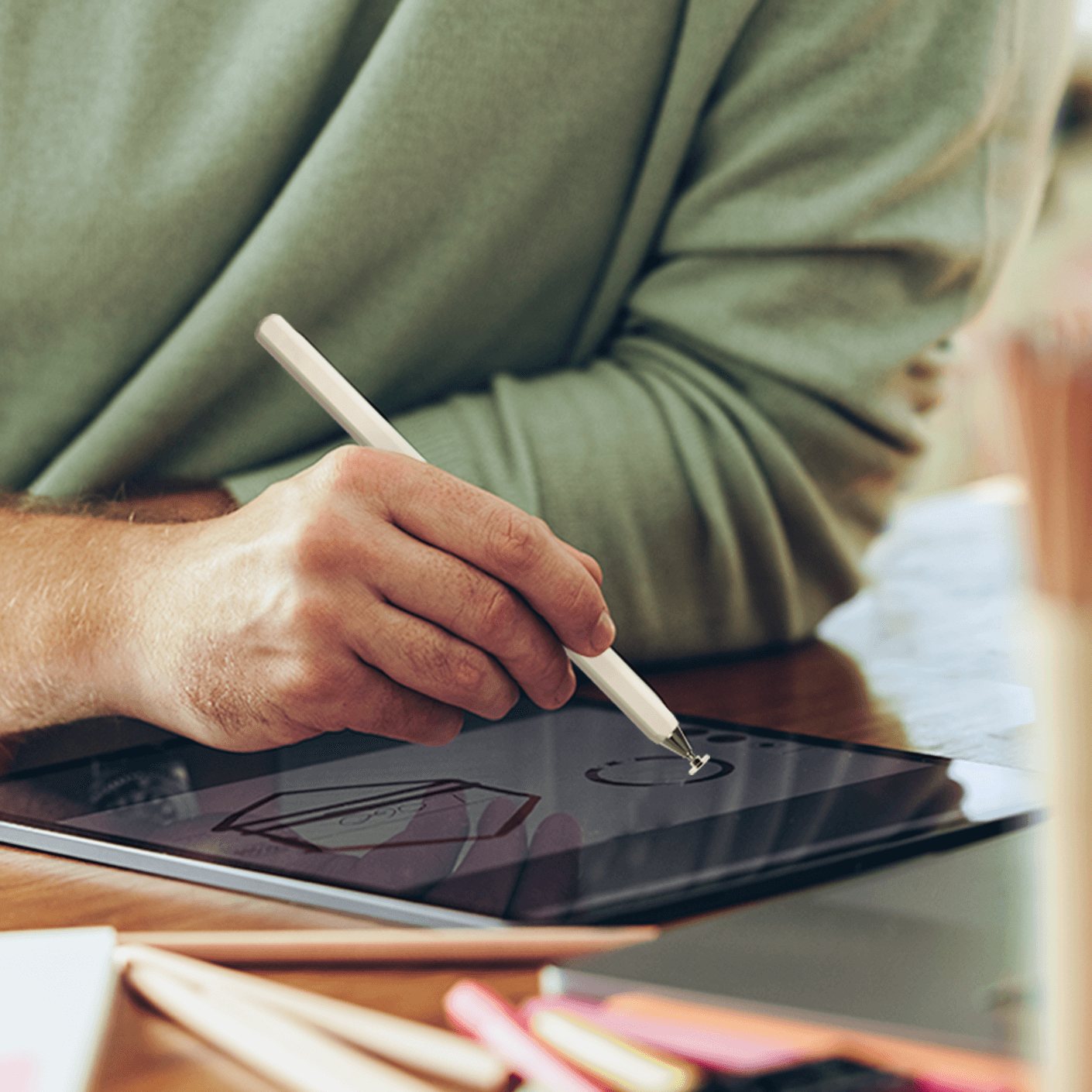
This is the pen we built for the people who fill the margins of an iPad: lecture notes that grow arrows, floor plans that grow furniture, sketches that grow shading. You rest your hand on the glass, tilt the tip for a softer line, and the screen only listens to the nib.
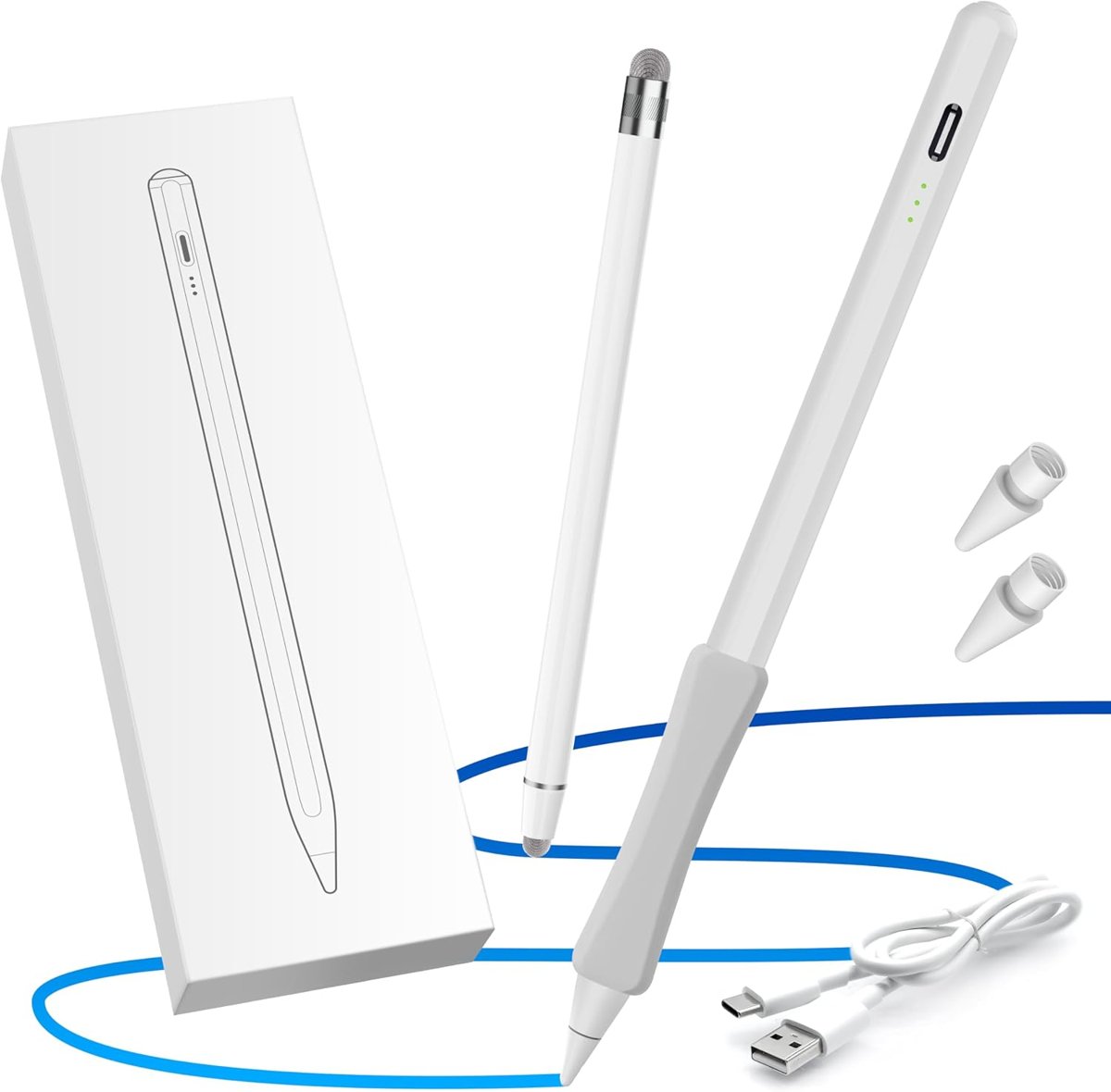
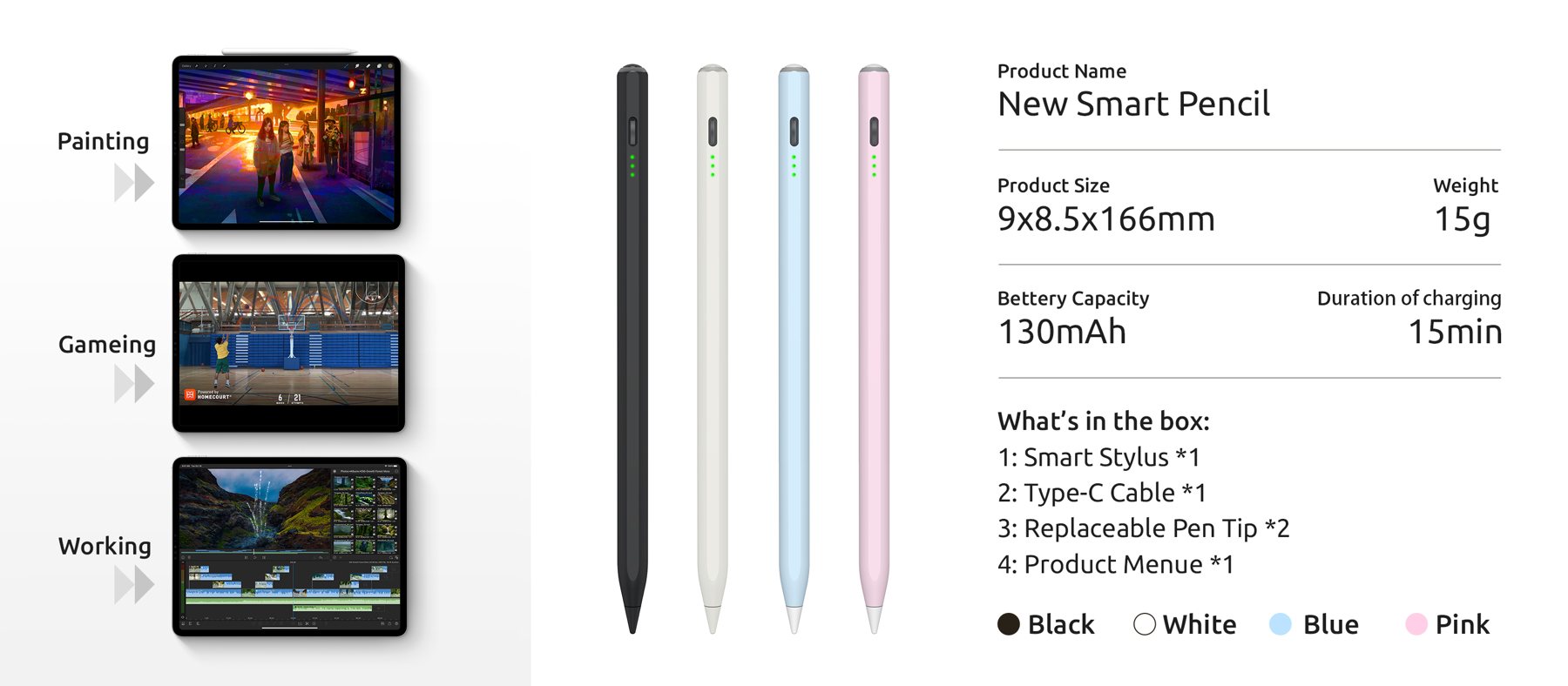
It turns on with one press of the button, snaps to the side of the tablet when you put it down, and charges over USB-C. In the box you also get our universal disc stylus, so the phone next to your iPad is covered too.
1 pen in this family
iPad Pencil
4.2 · 838 shopper reviews
Rest your hand, tilt for shading, and one press wakes it up. A disc stylus for your phone rides along.
At a glance
| Feature | OASO pencil | What it means on the page |
|---|---|---|
| Palm rejection | Yes | Rest your hand on the glass; only the nib writes |
| Tilt shading | Yes | Lean the pencil for broader, softer strokes |
| Magnetic attach | Yes | Clings to the side of the iPad between notes |
| Pairing | Not needed | One button press and it is ready |
| Pressure sensitivity | No | Line weight comes from tilt, not force |
| Charging | USB-C | Cable in the box |